DocMake

Free invoice and finance templates

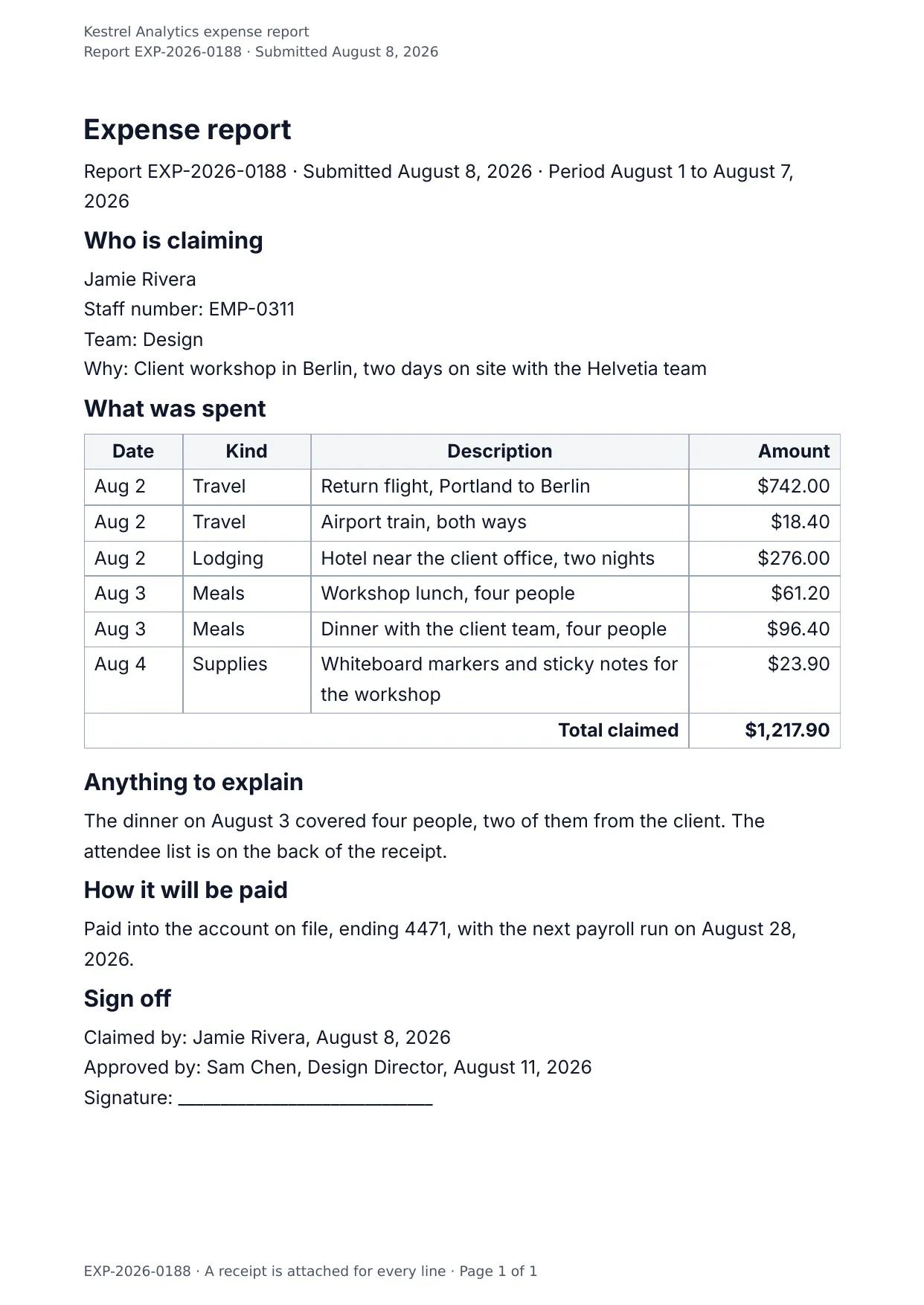
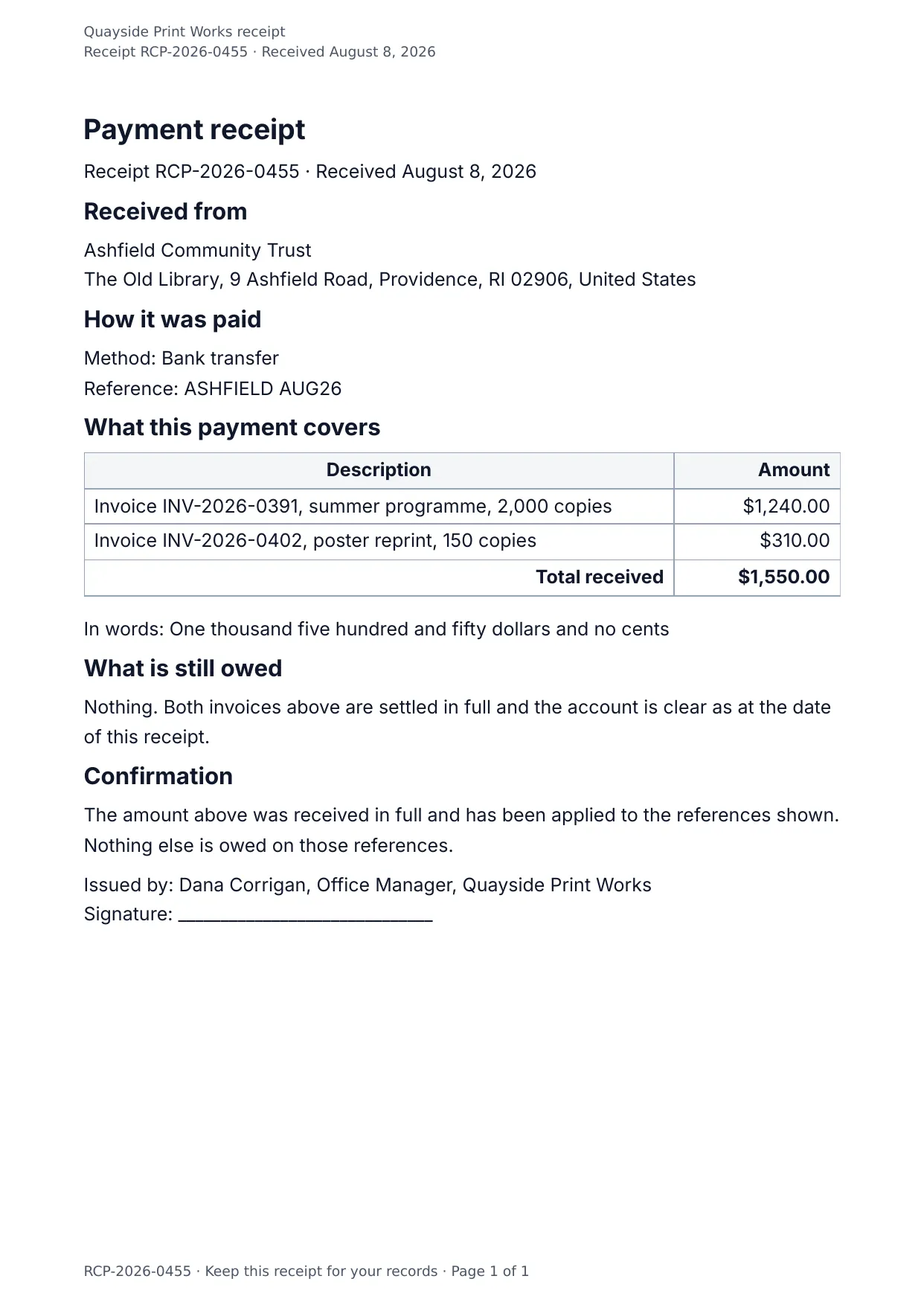
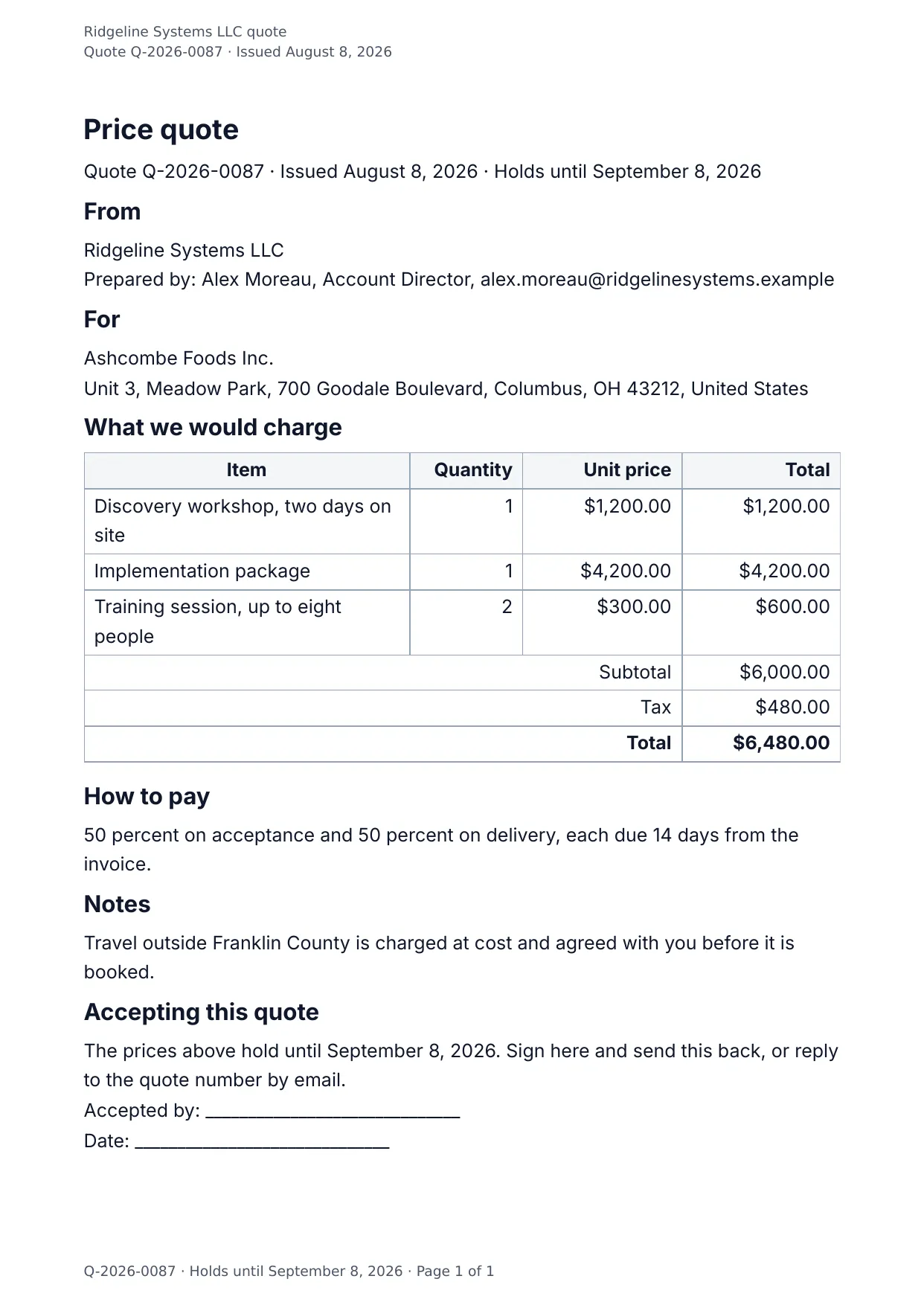
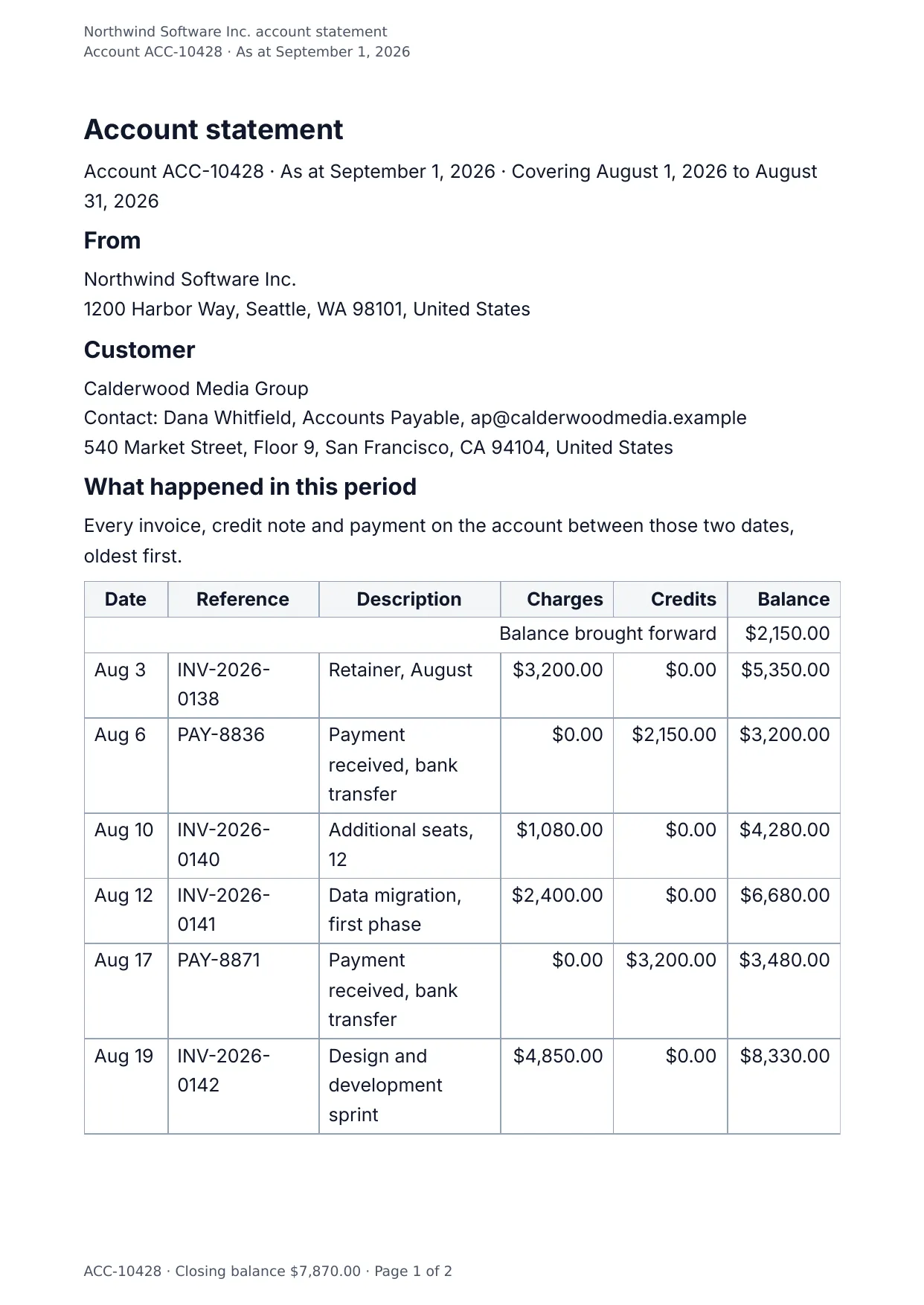
The documents that move money: invoices, proformas, quotes, purchase orders, credit notes, receipts, statements, expense claims and payslips. Each of the 11 templates below fills in the browser, through the REST API or through an AI assistant on the DocMake MCP server, and comes out as a Word (DOCX) file and a PDF. The free plan makes 1,000 documents a month, with no credit card.

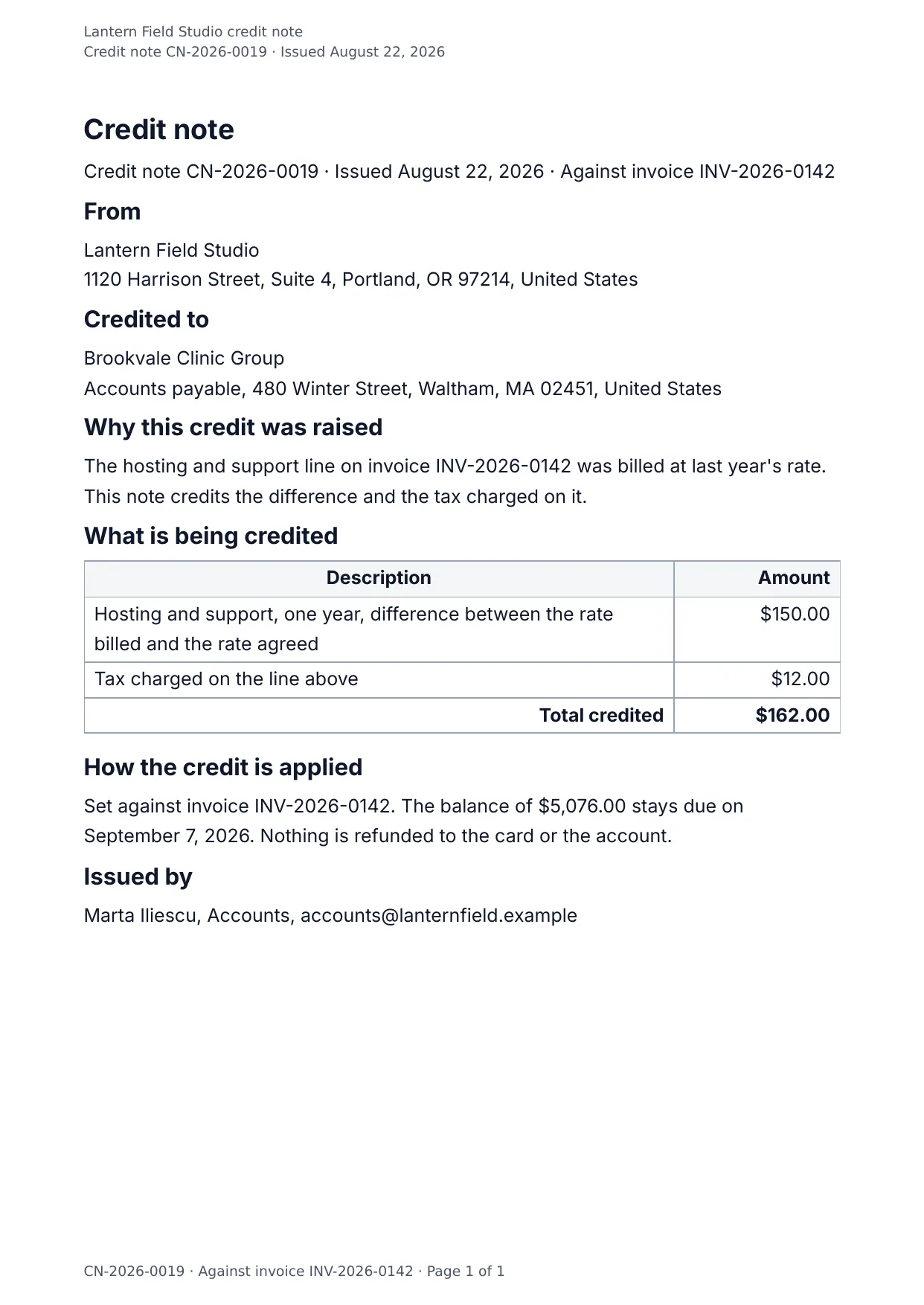
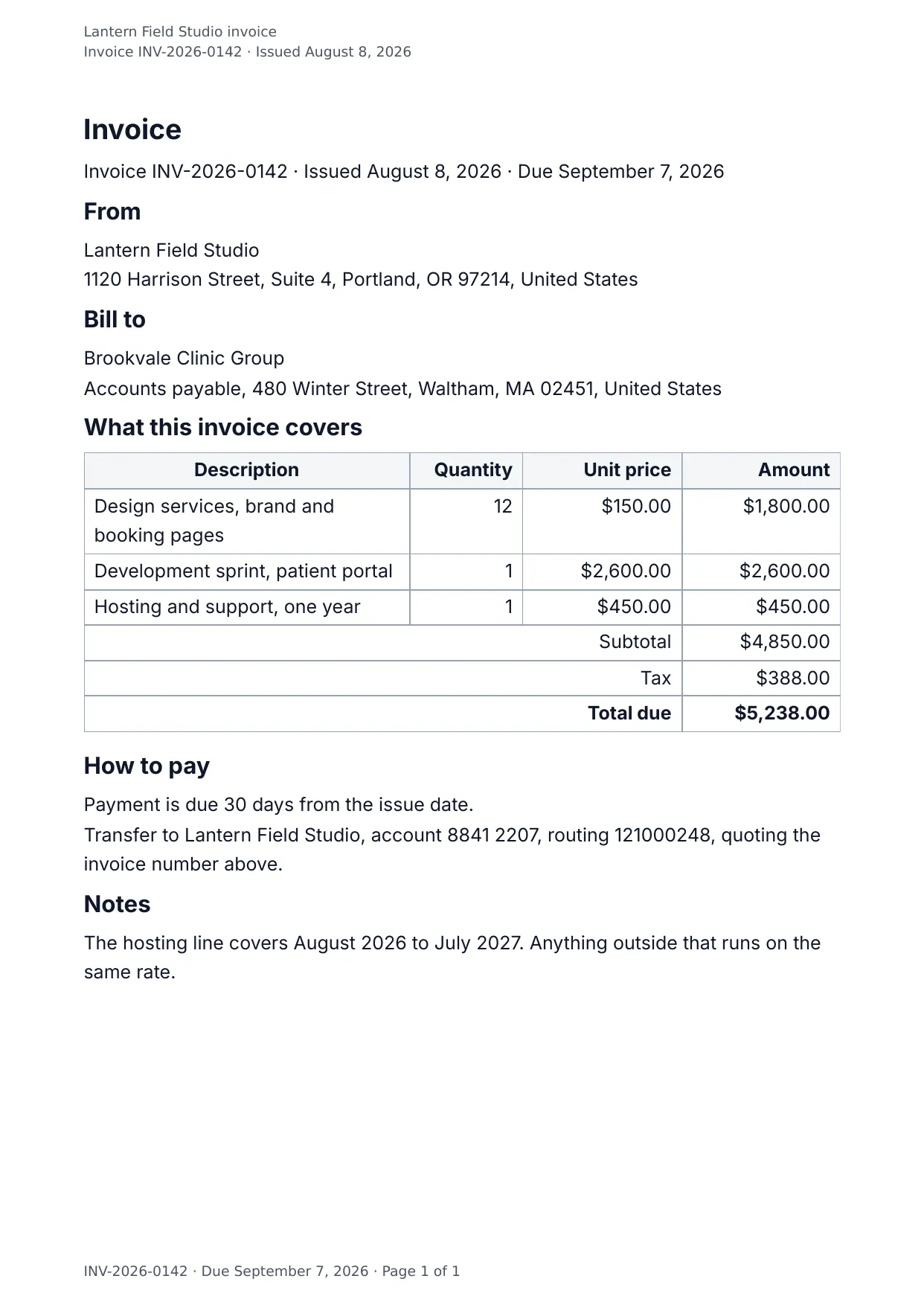
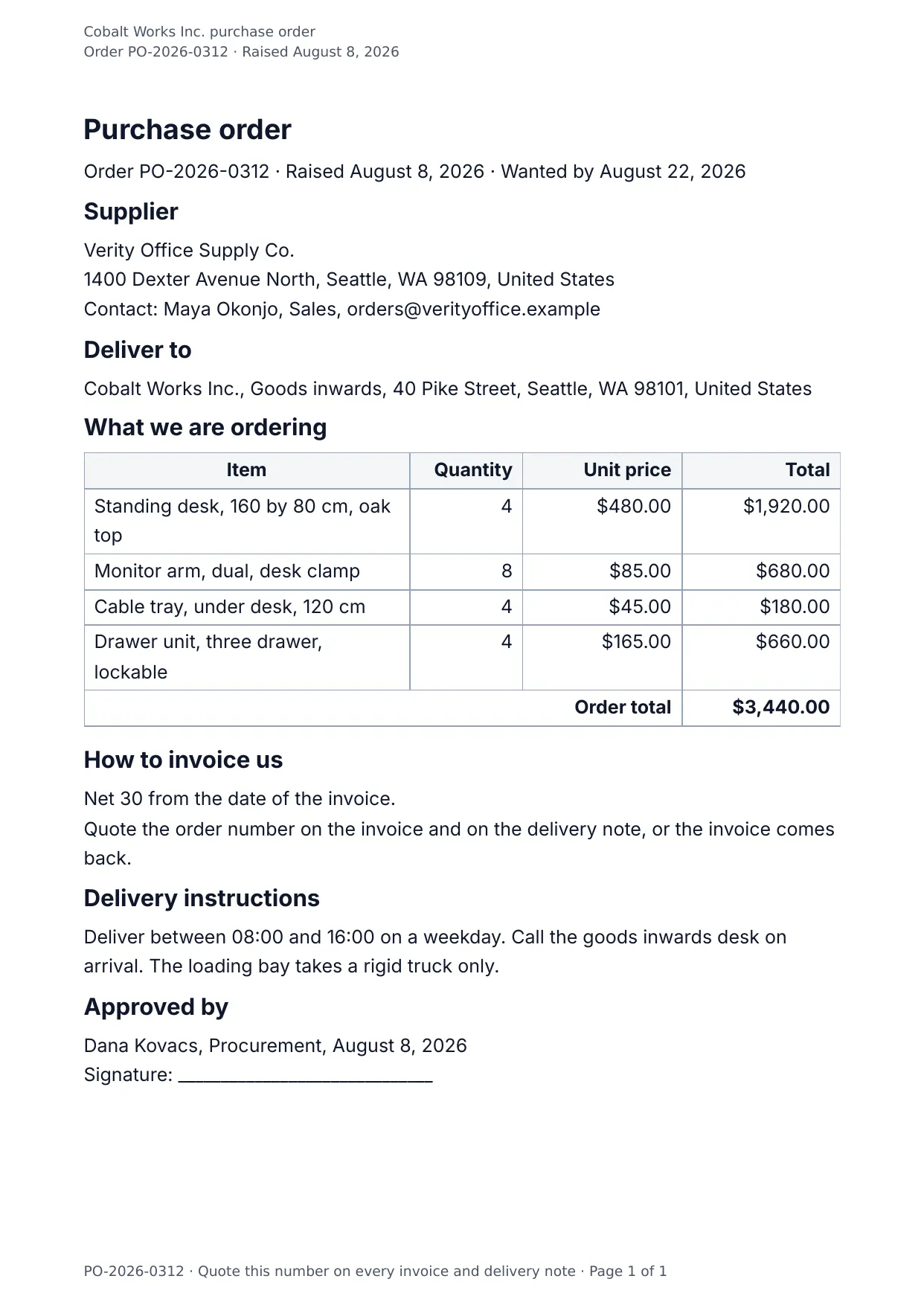
Bookkeepers, small businesses and finance teams send these every day, usually one per order, per customer or per month. Most of them are a header with both parties, a table priced line by line, and the totals, tax and payment details underneath.

The table grows with your data: every line item becomes a row, so the same invoice works for one line or forty.
11 Finance templates

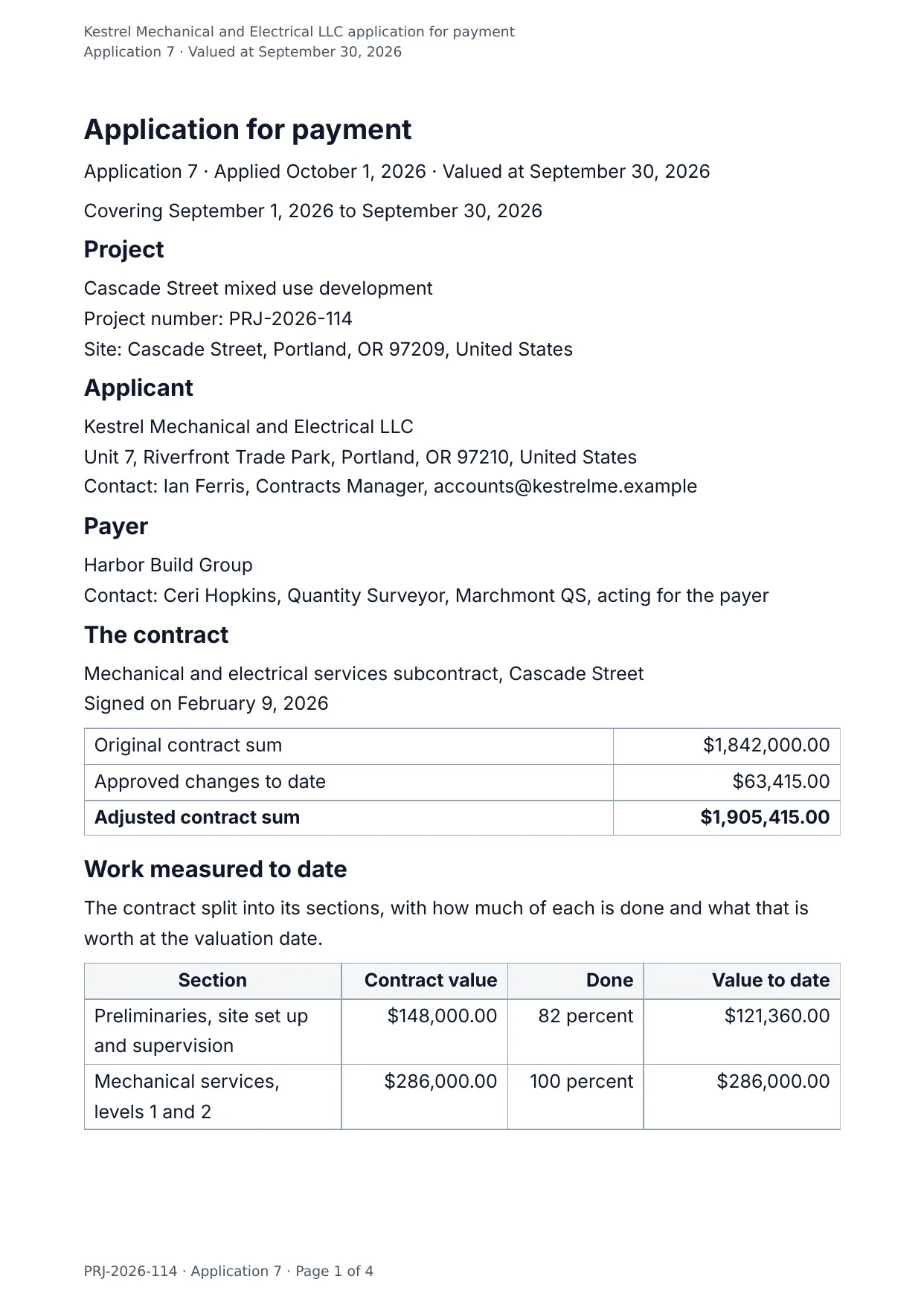
Payment Application

What a contractor is owed this month: work measured, changes, materials on site, retention, and the dates that follow.

Blanks to fill

  • Application number, Application date, Valuation date, Period covered, Project, Project number and 36 more
  • One per item: sections, variations, materials on site

No signup. Download the PDF in a minute.

View template →

Payslip

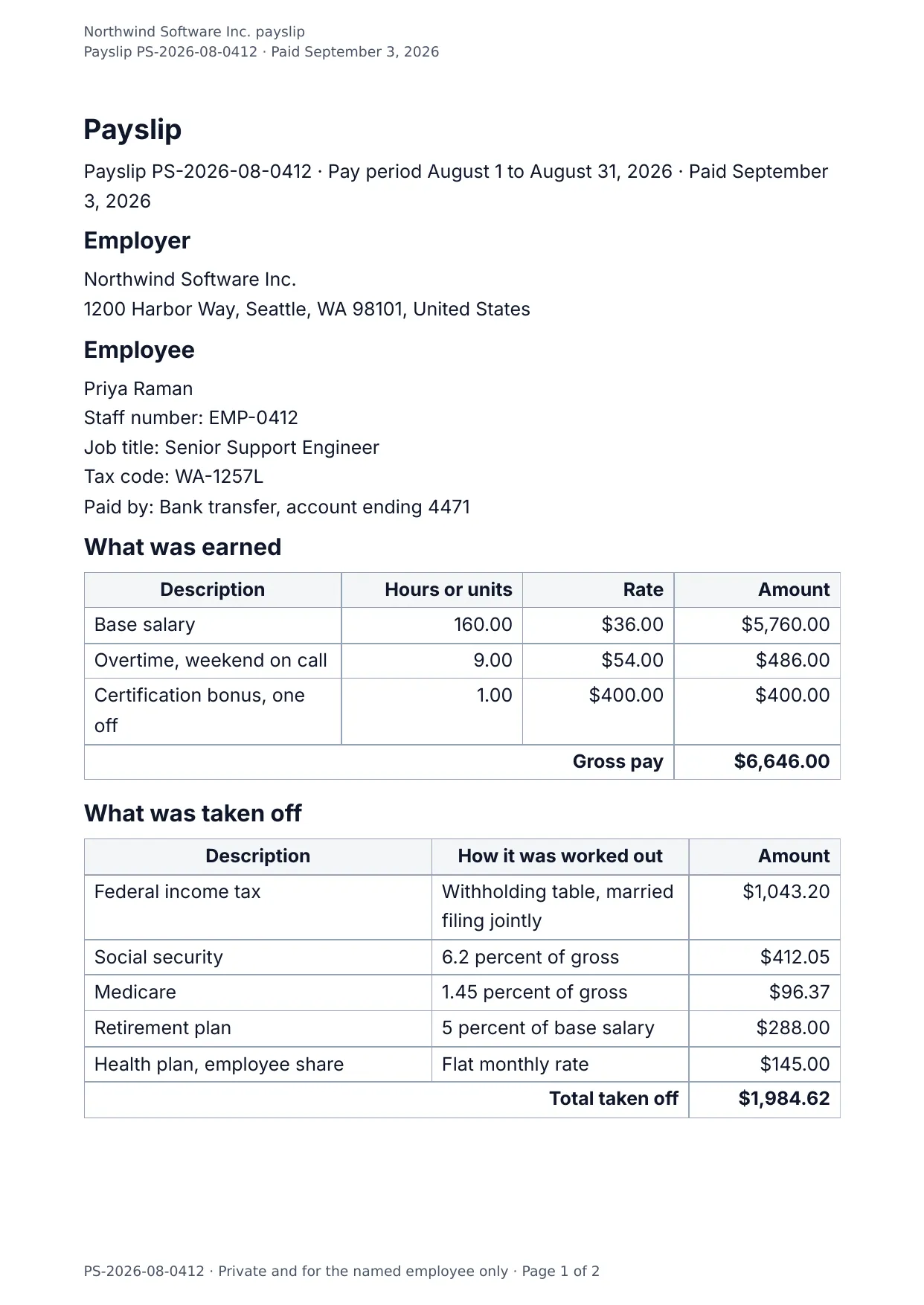
What somebody earned, what was taken off and what landed in the account, with the totals for the tax year so far.

Blanks to fill

  • Payslip number, Pay period, Pay date, Employer, Employer address, Employee and 13 more
  • One per item: earnings, deductions

No signup. Download the PDF in a minute.

View template →

Questions about these templates

Is there a free invoice template that downloads as Word and PDF?
Yes. Every template on this page makes both a native Word (DOCX) file and a print-accurate PDF from the same values, with the same layout. The free plan covers 1,000 documents a month with no credit card.
Can my own system make an invoice for every order?
Yes. POST the order as JSON to the DocMake REST API and the finished invoice comes straight back as DOCX or PDF. Each line item in the JSON becomes a row of the table.
What is the difference between the invoice, the proforma and the commercial invoice?
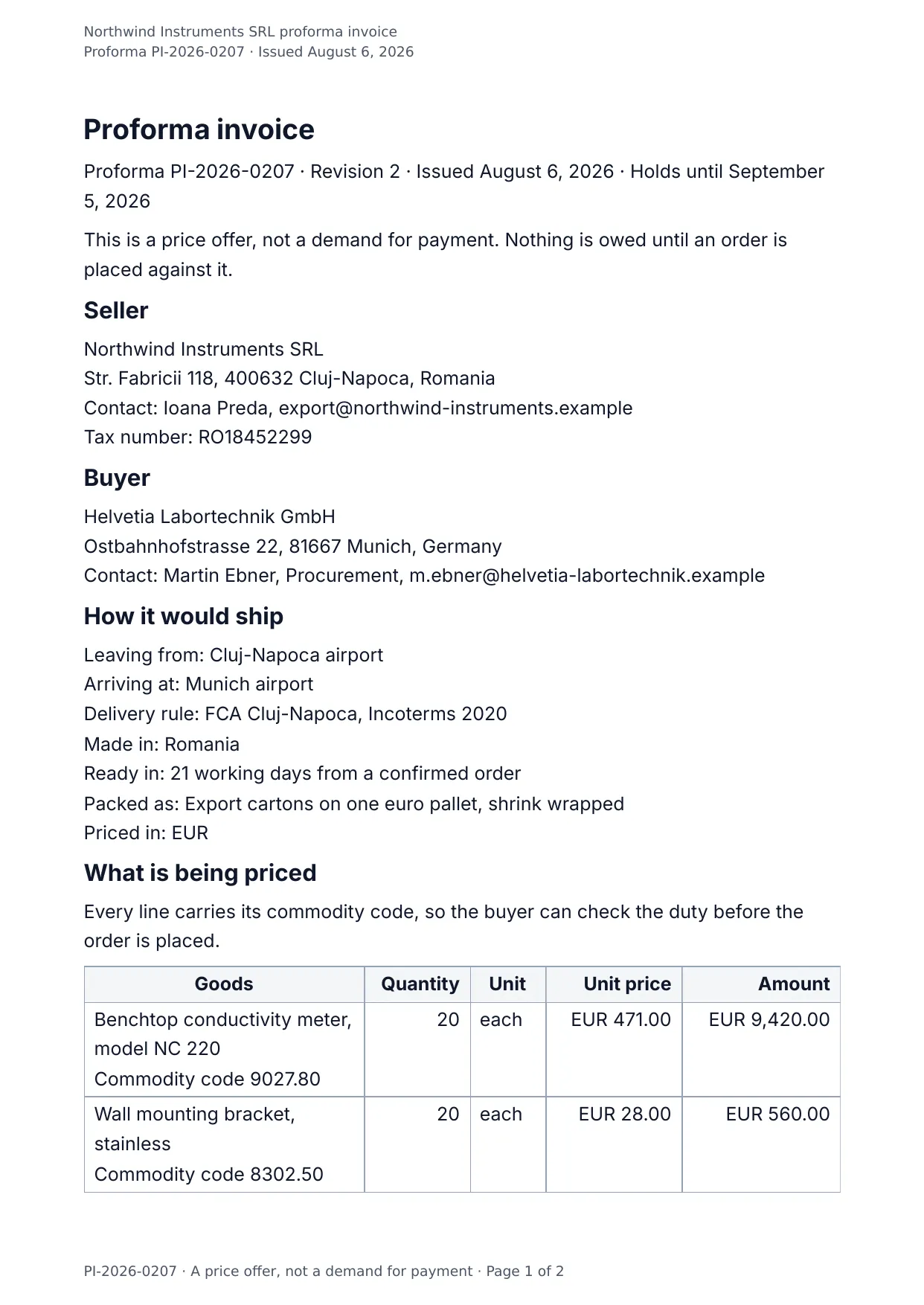
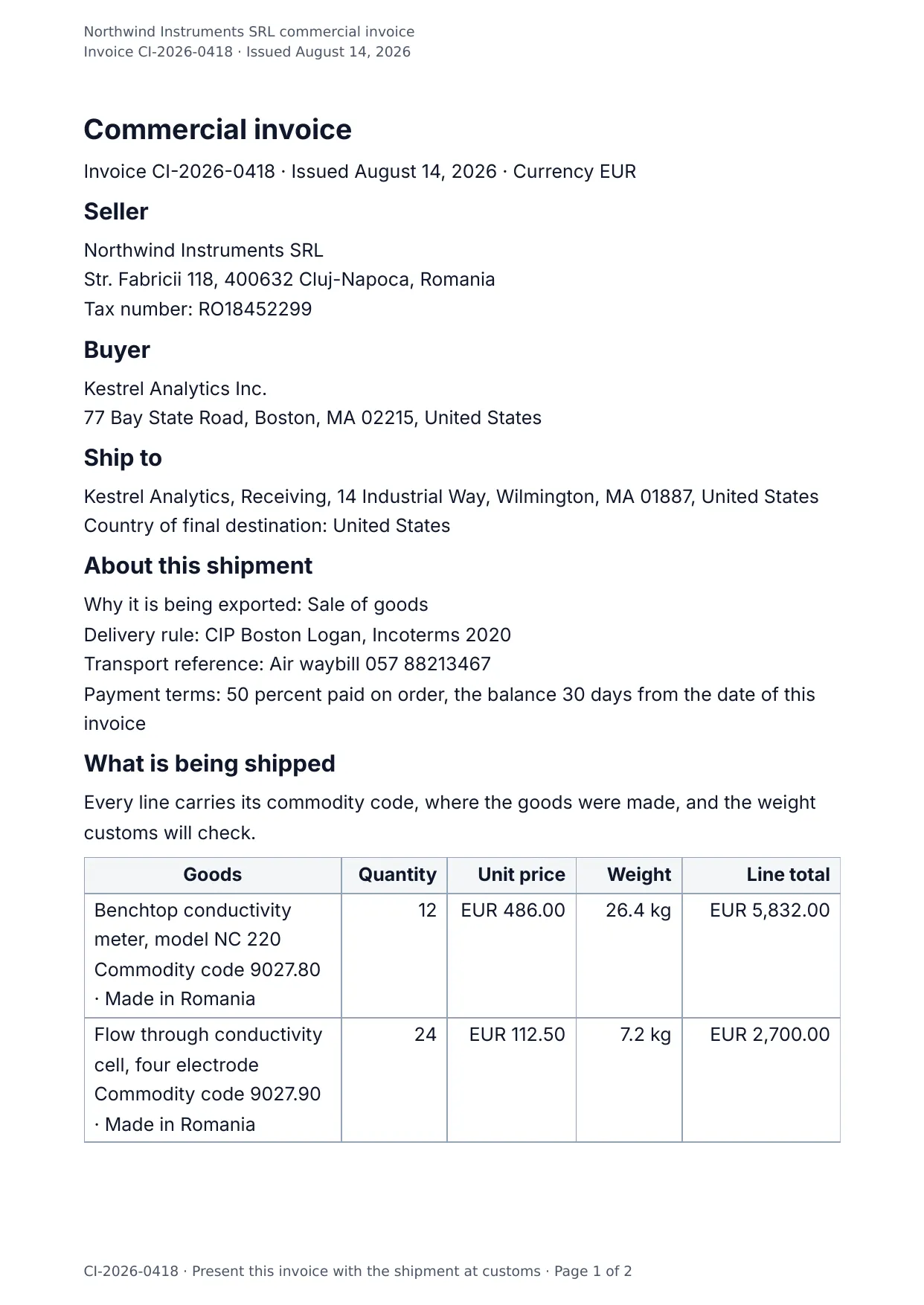
The invoice bills work or goods with the tax and how to pay. The proforma is a price offer for a shipment before it ships, with how long the price holds. The commercial invoice travels with an export and carries the commodity code, origin and weight on every line, with a declaration to sign.
Can I put my own logo and wording on them?
Yes. Once a template is in your workspace you change the wording, the branding and the layout in the visual editor. Documents carry no DocMake footer or watermark, on any plan.